AI logo maker8 min read
AI Logo Maker Examples: Real Briefs and Their Logos
Real briefs from our AI logo maker and the logos they made. See what a name alone gives you, when to describe a symbol, and how much the style changes.
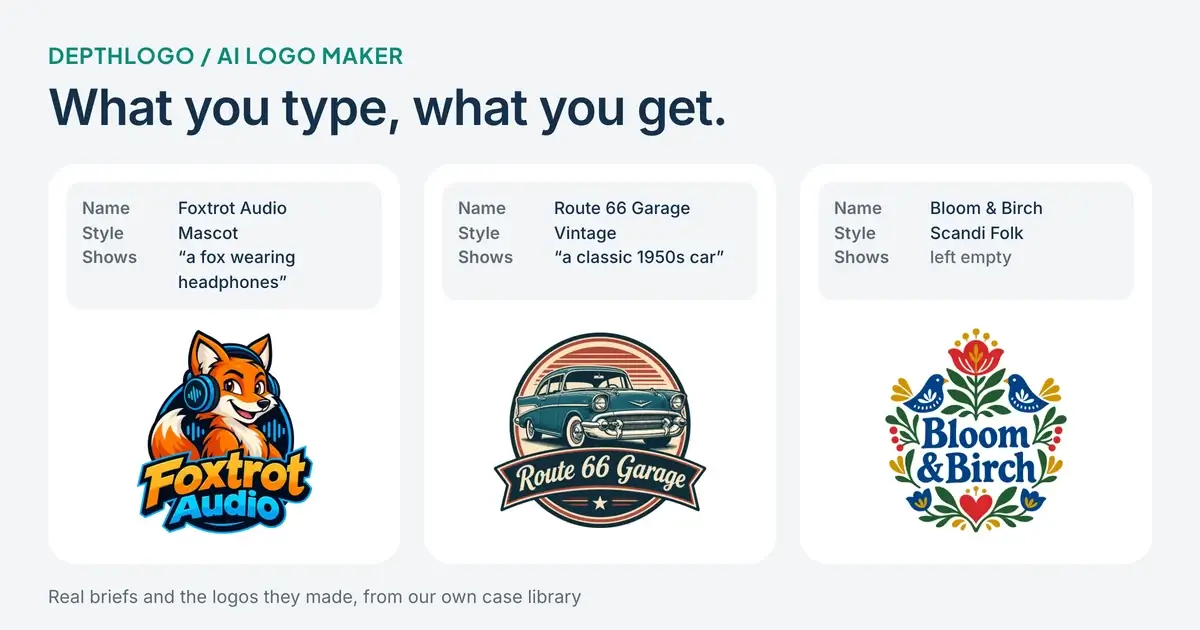
Most advice about using an AI logo maker stays vague. Be specific, keep it simple, try a few styles. All true, and not much help when you're staring at an empty text box. So this article takes a different route: every logo below was made with our own AI logo maker, and next to each one you'll see the brief that produced it, exactly as it was typed.
The examples come from the case library behind our logo ideas gallery. Some briefs are almost empty, some describe a single object, and a few use the same name with different styles. Seeing them side by side shows something a list of tips can't: which parts of a brief actually change the logo, and which ones barely matter.
What goes into a brief
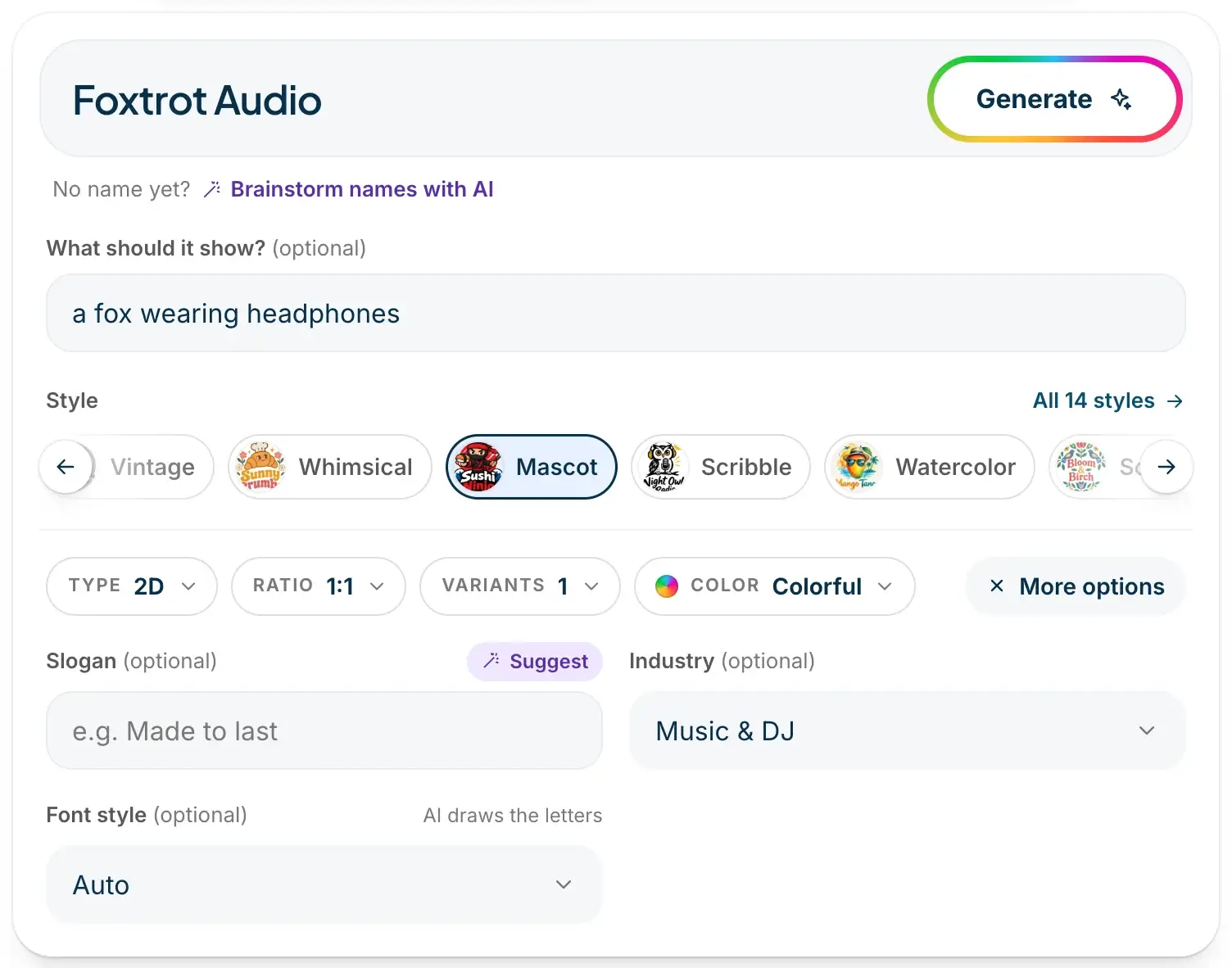
On DepthLogo, the only thing you have to type is your brand name. Everything else is optional, and each field nudges the result in a different way.
"What should it show?" is where you describe a symbol, if you have one in mind. The style is the overall look, and there are 14 of them, from Minimalist and Vintage to Mascot, Watercolor and 3D Clay. Type switches between flat 2D and 3D, Color sets the palette (or your own brand colors), Ratio sets the shape of the canvas and Variants decides how many designs you get from one run, up to three.
Under "More options" you'll find three more fields. A slogan adds a short line of text under the name. An industry tells the AI what kind of business it's drawing for. A font style asks for a kind of lettering, although the AI draws the letters itself rather than setting a font file.
One rule holds for every brief: the logo only spells your brand name, plus your slogan if you add one. We ask the AI to write the name exactly as you typed it, with your capitals and spaces, and to leave out any other words. It usually gets this right, but read every letter before you download anyway. A logo with a typo is worse than no logo.
The name and industry, nothing else
The first thing worth knowing is that an empty "What should it show?" box isn't a mistake. Here are three briefs that left it empty and only set a name, an industry and a style.
Northwind, a technology company in the Minimalist style, came back as a navy letter N with a sweeping blue wave cut through it. Bloom & Birch, a spa in the Scandi Folk style, became a symmetrical wreath of red tulips, blue birds and leaves around the name, with a small heart at the bottom. Bobo Bakery, in 3D Clay, turned into a smiling clay bear in a chef's hat, hugging a loaf of bread above puffy letters.
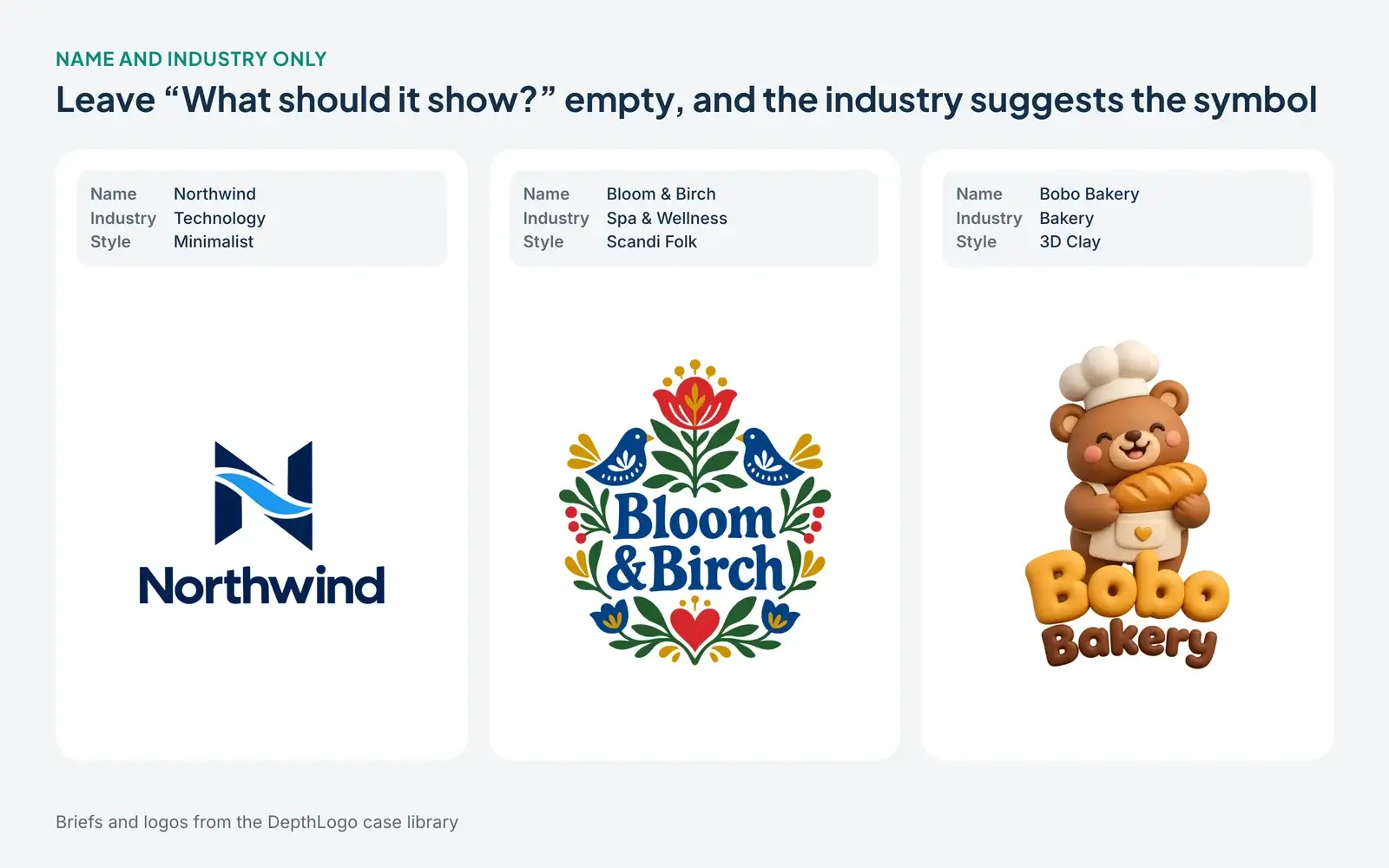
None of those symbols was asked for. The wave most likely comes from the word "wind" and the bread from "Bakery", while the folk flowers belong to the style itself. When you leave the description empty, the AI reads your name, your industry and your style and picks a symbol that fits all three.
This is the best way to start if you don't have a picture in your head yet. You'll often get an idea you wouldn't have thought to type, and you haven't spent any effort on a description that might point in the wrong direction. If none of the symbols feels right, that's useful too: it tells you what you don't want, which makes the next brief easier to write.
One object, described in a few words
When you do know what you want to see, say it plainly. These four briefs each describe one object in a handful of words.
Route 66 Garage asked for "a classic 1950s car" in the Vintage style, and got a teal two-tone sedan inside a round badge with a ribbon banner. Lens & Light, a photography studio, asked for "a vintage camera" in Watercolor and got exactly that, an old camera over soft washes of blue and orange. Paper Moon Books asked for "an open book with a crescent moon and stars", and Petal Post for "a bicycle with a basket of flowers". Both are in the Whimsical style.
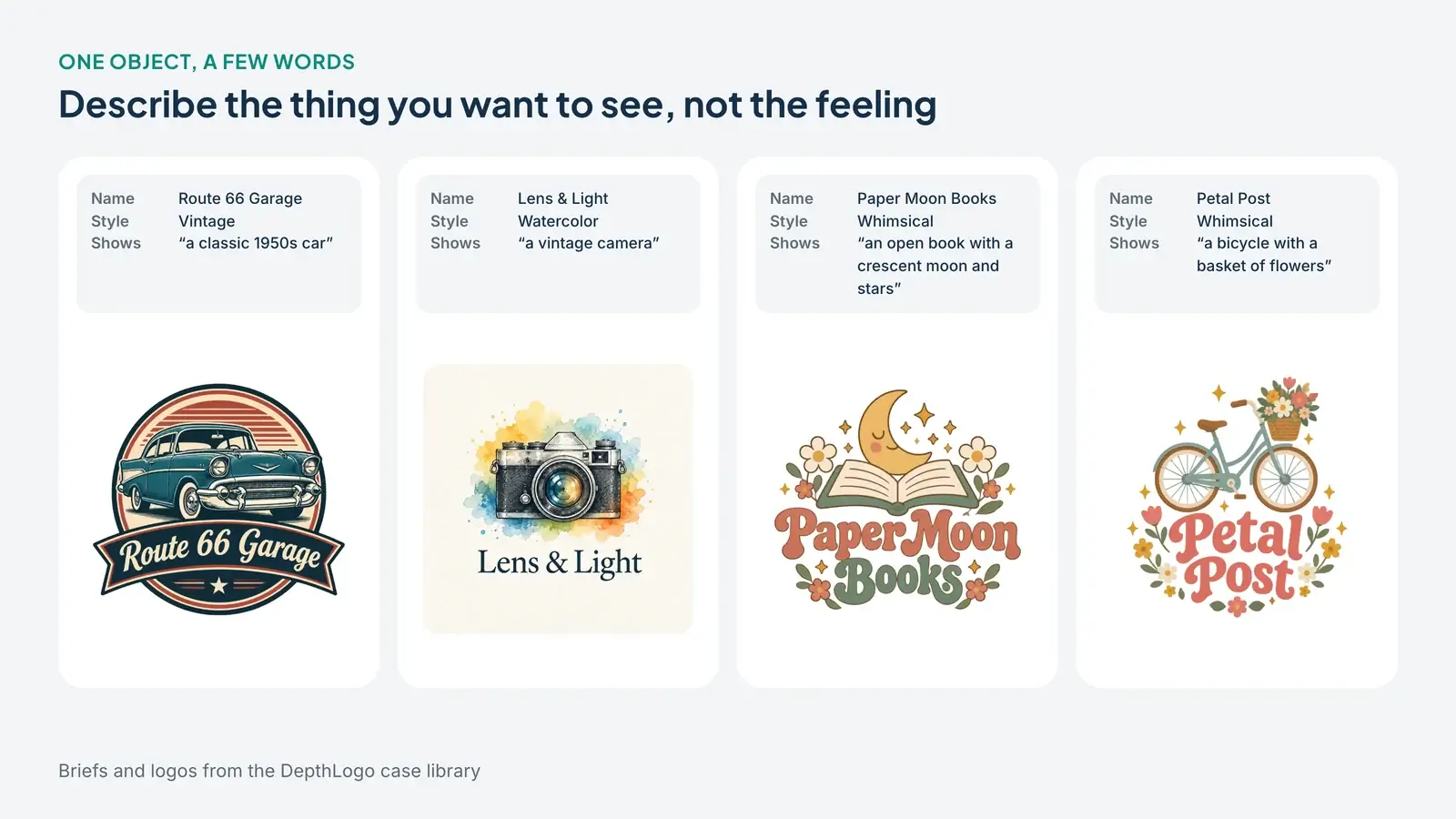
Look at what the AI added without being asked. The moon over Paper Moon Books got a sleepy face. Both whimsical logos picked up small flowers and sparkles, because that's what the style does. The Route 66 car sits in a badge because vintage logos tend to. You described the object; the style dressed it.
That division of labor is the most useful thing to understand about briefs. Put nouns in "What should it show?" and let the style handle the mood. Words like "modern", "trustworthy" or "premium" are hard to draw, and they mostly repeat what the style already says. "A tiger head" gives the AI something to work with. "A strong, confident brand" doesn't.
Keep it to one main object, two at most. "An open book with a crescent moon and stars" works because the moon and stars belong to the book's scene. A list of five unrelated things usually comes back as a crowded picture that falls apart when the logo gets small.
Same name, different style
Changing the style changes more than any amount of rewording. The three logos below share the same name, Harbor & Pine, and the same industry, Coffee Shop & Cafe. Nobody typed anything in "What should it show?".
In Minimalist, the AI drew a pine tree inside a brown sun, rising from a navy cup filled with waves. In Whimsical, the same name became a smiling latte cup surrounded by flowers, pines and a little sailboat, with bouncy green lettering. The third is Minimalist again with the Type set to 3D: a glossy teal cup with a sailboat and a pine tree on its side and steam curling out of the top.
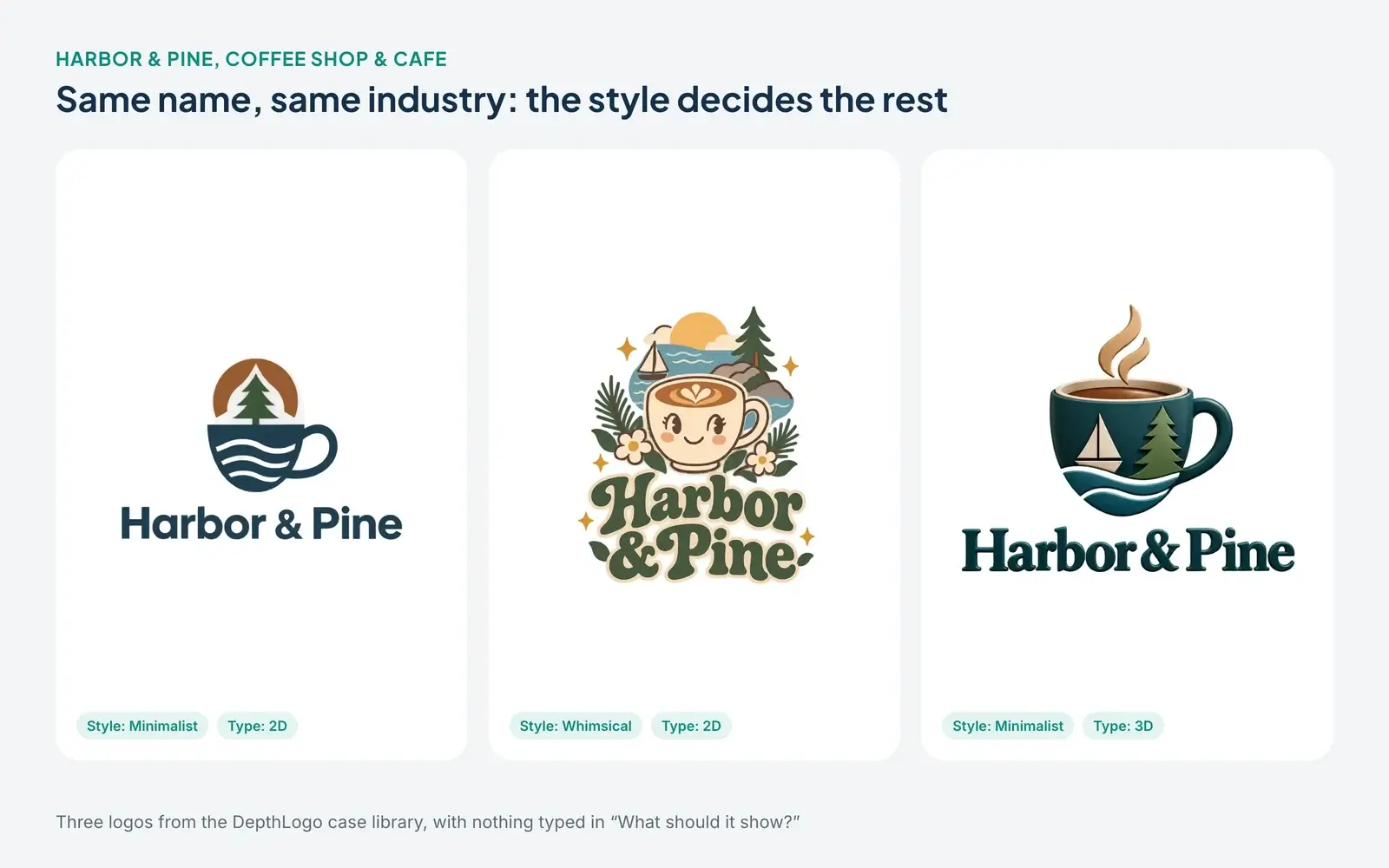
Notice what stayed the same. Every version has water and a pine tree somewhere, because both are right there in the name. A name with concrete words in it gives the AI a head start, and you can lean on that instead of describing the same things again.
The practical lesson: before you rewrite a brief that isn't working, run it again in a different style. If Minimalist feels too cold for a neighborhood café, Whimsical or Watercolor might be the answer, and you won't find that out by adding adjectives. If you're curious about depth, our 3D logo maker page has a gallery of real 3D logos made with it.
Slogans are printed, not interpreted
A slogan works differently from the description. The AI doesn't draw it as a picture; it writes it on the logo, usually smaller than the name. Old Harbor Barbers used the slogan "Classic Cuts" in the Vintage style, and it ended up on a ribbon under the name, below a barber pole and crossed scissors in front of a harbor. Iron Anchor Brewing wrote "Small Batch Ales", which became a ribbon under an engraved anchor wrapped in rope.
Both slogans are two or three words long, and that's not an accident. Every word you add has to fit in the same space, so a long slogan gets tiny and hard to read. If your slogan is a full sentence, consider leaving it out of the logo and putting it next to the logo on your website or packaging instead.
The same goes for the industry field. "Hair Salon & Beauty" helped the Old Harbor Barbers logo find its barber pole, but the words themselves don't appear anywhere. Only the name and the slogan are written on the logo.
What these briefs have in common
Put all of these examples together and a pattern shows up. The names are short, mostly one to three words. Each description, when there is one, names a thing rather than a feeling. The style carries the mood, so nobody had to describe it. And a good number of the briefs left most fields empty.
That last point surprises people. It's tempting to fill every box, as if more input meant a better logo. In practice, each extra field is one more instruction the AI has to balance against the others. A brief with a name, an industry and a style is often a stronger starting point than one with a long description, a slogan, a font style and five custom colors all at once.
Font style deserves a separate word. Most of the logos here use Auto, which lets the style choose the lettering. Setting a font style is worth it when the letters matter as much as the symbol, for example for a law firm that wants a serif or a photographer who wants a signature. We go through the font styles one by one, with real examples, in how to choose a logo font.
Writing your own brief
Here's how we'd use these lessons on a new brand. Start with your name and your industry, pick the style you're most curious about and leave "What should it show?" empty. Ask for two or three variants so you can compare.
If the symbols miss the point, write one object in the description, in plain nouns. If the symbol is right but the overall feel isn't, keep the description and switch the style instead. When one design is close, use "More like this" on it rather than starting over, because small variations of a good design usually beat a fresh roll of the dice.
Your first AI design is free once you sign up with your email or Google, so it costs nothing to see how your name looks in a style or two. Previews carry a watermark, and you only pay if you decide to download.
Before you commit to a design, run the preview through our logo checker. It shows how the logo holds up as a tiny favicon, on dark backgrounds and in one color, which tells you more about a logo than how it looks at full size on a white screen. For the full process from brief to files, see how to make a logo with an AI logo generator.
The short version
Type your name, choose an industry and a style, and see what comes back before you write anything else. Describe one object in plain nouns when you know what you want to see. Change the style before you change the words, keep slogans short, and check the spelling of every letter. The examples above didn't need clever prompts, only clear ones.
More AI logo maker guides
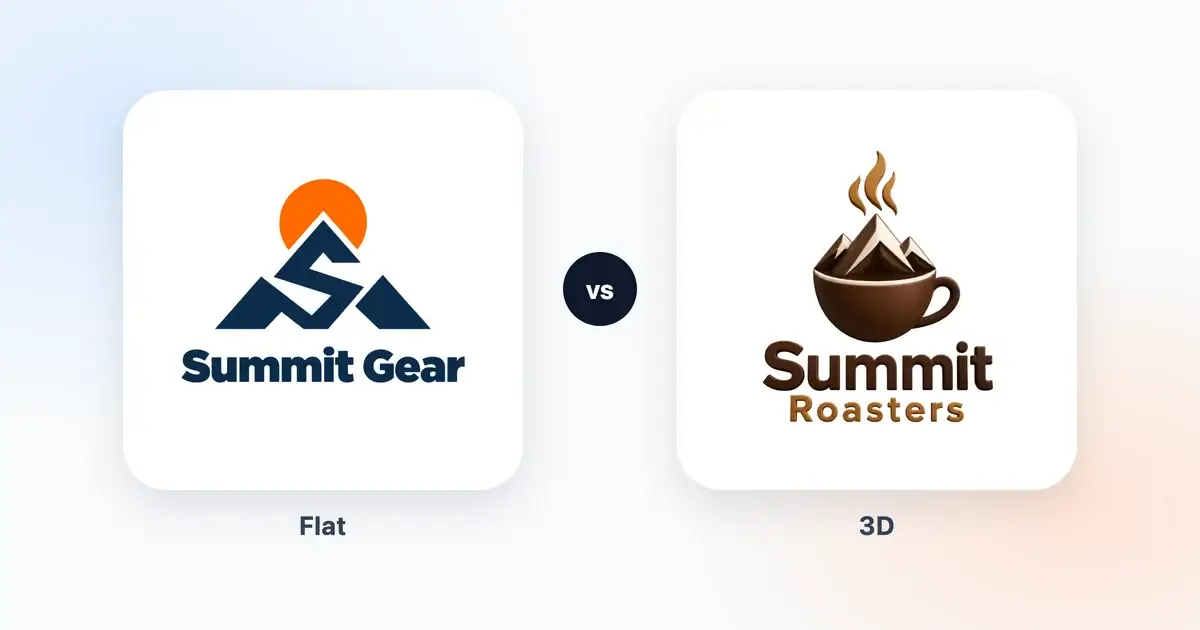
· 8 min read
3D Logo vs Flat Logo: When Depth Helps a Brand
An honest look at 3D and flat logos, with real examples. Where depth helps a brand, where a flat logo works better, and how to have both versions.
· 9 min read
How to Make a Logo With an AI Logo Generator
A plain-English guide to making a logo with an AI logo generator, from what to type and which style to pick to judging the results and getting the right files.