Free logo maker10 min read
Free Logo Maker: What You Can Make Without Paying
What a free logo maker really gives you, a checklist for judging one, and how to design a logo for free on DepthLogo and pay only for the files.
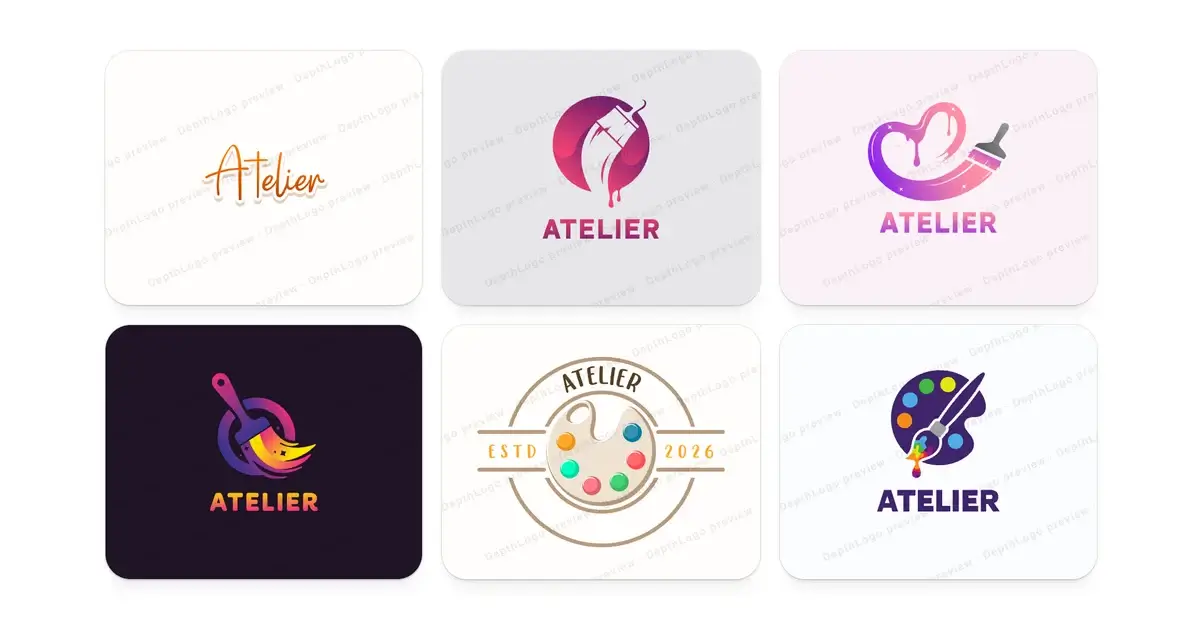
Lots of tools call themselves a free logo maker, and they rarely mean the same thing by it. On one site, free means a small picture you can download. On another, you can design all evening and pay at the end. On a third, it's a trial that turns into a monthly bill. None of these deals is a trick. They're just different, and it helps to know which one you're looking at before you put hours into a design.
This guide explains what "free" usually covers, gives you a checklist for judging any logo maker in a few minutes, and then shows exactly what you can do for free on DepthLogo. Our own answer is simple: you design and preview for free, and you pay once, only if you want the files.
What "free" usually means
Free logo makers tend to follow one of a handful of deals. Here's what each one looks like in practice.
- You design for free and pay to download the files. You see the whole logo before you spend anything, which feels fair as long as the tool says so up front. It's also how we work.
- You get a free download, but it's small. Often it's a PNG a few hundred pixels wide. That's fine for a quick mockup, but it looks soft on a phone screen and falls apart in print.
- The free download carries a watermark, the tool's name printed across your logo. Handy for trying ideas, useless for anything public.
- You get a free PNG but no vector. The SVG or PDF that printers and sign makers ask for costs extra, or isn't offered at all.
- The license is for personal use only, or it's vague. You can download the logo, but it isn't clear whether you can put it on a business.
- It starts as a trial and becomes a subscription. Downloads need a plan that renews every month until you cancel, and sometimes the logo goes with it when you stop paying.
There's one more cost that never shows up on a pricing page, and that's your time. It's no fun to finish a design and then find out the file you need is the one that costs extra. A few minutes with the checklist below saves you from that.
A checklist for any free logo maker
Before you start designing, look for the answers to these. A good tool makes them easy to find, usually on one pricing page and in its FAQ.
- Can you see templates with your own name before you sign up? Placeholder names hide problems. A layout that looks great with "Your Brand" can fall apart once a longer name goes in.
- Is it clear what's free and what you pay for? You should be able to tell in a minute, before you put any work in.
- How big is the image file? Ask for pixels, not words like "HD". Around 2,000 pixels on the long side is a sensible minimum for a PNG. A few hundred pixels is a thumbnail.
- Is the background really transparent? A transparent PNG sits on any color. A logo with a white box around it only works on white.
- Is there a vector file, and is it a real one? An SVG or PDF built from shapes stays sharp at any size. Some tools save a pixel picture inside an SVG file, which blurs just like a PNG.
- Can you use it for a business? Look for a commercial license in writing, and check whether the design is yours alone or a template other people can start from too.
- Is it one payment or a subscription? If it renews, find out what happens to your files and your edits when you stop.
- Can you change it later? Typos happen, and slogans and colors change. Being able to edit and download again saves you from starting over.
- Do you get the versions you'll need later? That means the symbol on its own for app icons and browser tabs, a one-color version for stamps and engraving, and a light version for dark backgrounds.
- Are the fonts allowed in a logo? Fonts have licenses too. Open-source fonts, like the ones under the SIL Open Font License, are free to use in logos.
If a tool passes most of these, it's worth your evening. If you can't find the answers at all, that tells you something too.
What's free on DepthLogo, and what you pay for
Here's our own answer to that checklist, so you don't have to dig for it. All of this is free:
- Browsing our logo templates, each one already set with your brand name. No account needed.
- Editing any template in the editor: the text, fonts, colors, layout and background. Your work is saved in your browser.
- Your first design from our AI logo generator, when you sign up with your email or Google.
- Ideas for a brand name or a slogan, written by AI, if you don't have one yet.
- Our logo checker, for any logo file you already have.
Everything you design for free is a preview with a watermark: "DepthLogo preview" runs across the design. You pay only to download the clean files. It's a one-time payment with no subscription, and nothing renews. A template logo comes in every format for one price. An AI logo comes as a PNG, an SVG or both. If you're designing for several brands or clients, a pack gives you a batch of AI logos plus unlimited template downloads for 30 days. Our pricing page lists the current prices side by side.
Two honest notes. The watermarked preview isn't licensed for use, so please don't screenshot it and put it on a shop window. The license covers the files you buy. And while every purchase includes a commercial license, a template is a shared starting point, so someone else can start from the same one. AI logos are different: we never offer the one made for you to anyone else. If you plan to register your logo as a trademark, run a trademark search first, whichever route you take.
Making a logo for free, step by step
Here's the whole route through our free logo maker, from a name to a design you're happy with, without paying anything until the very end. We'll use a made-up studio called Atelier as the example.
Start with your name
Type your brand name before you look at a single template. Every template is redrawn with it, so you're judging your real logo instead of a placeholder. A long name may wrap onto two lines in some layouts, and an ampersand looks very different from one font to the next. You want to see that early.
The search also reads your name for meaning. "Atelier" is French for a workshop or studio, so the search looks for easels, paintbrushes, palettes and canvases, and templates with those symbols move up the list. Add a slogan only if you're sure you want it under your logo for years.
Narrow it down
Use the filters next. Industry brings forward designs made for businesses like yours. Style sorts by feel, from modern and elegant to vintage and playful, and it also covers emblems, lettermarks built from your initials and wordmarks that are just the name. Color and font narrow things further.
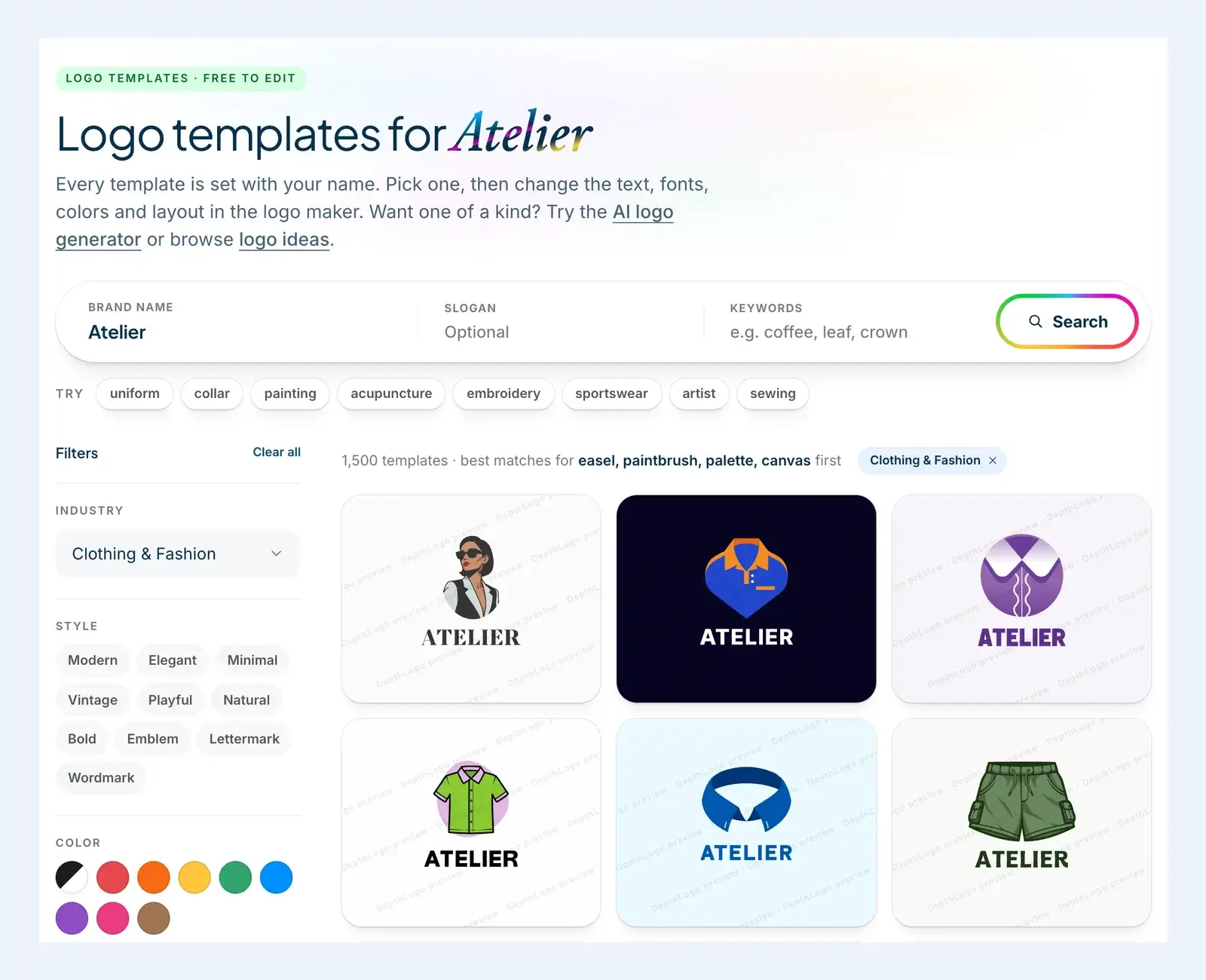
If you have a picture in mind, type one simple word into Keywords, like "needle" or "scissors". Then pick three or four candidates and compare them side by side. Our guide to using a logo maker explains how to judge a template by its layout and lettering rather than its colors, which are the easiest thing to change.
Make it yours in the editor
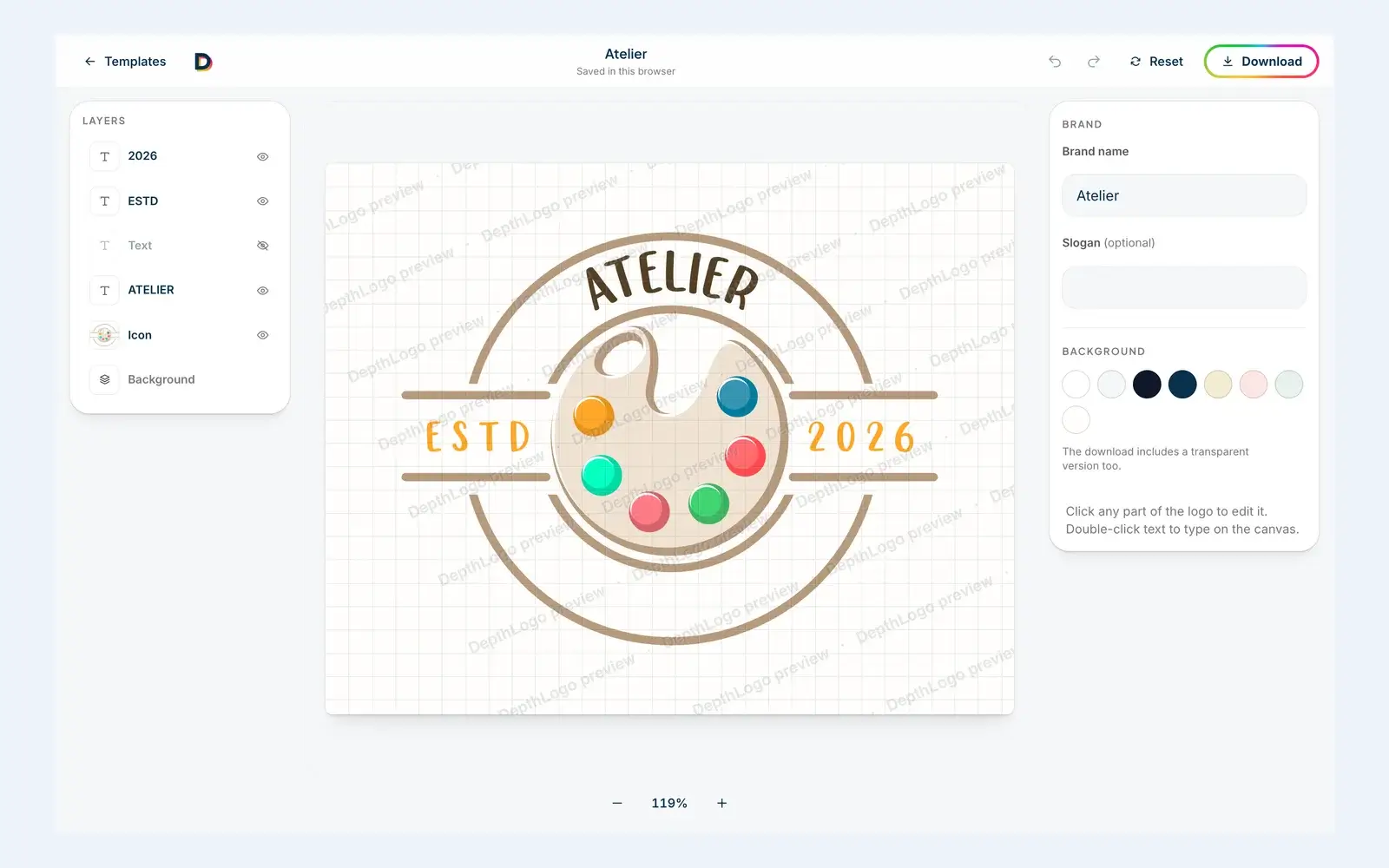
Click a template and it opens in the editor with your name already in place. The layers are on the left, the logo sits in the middle, and the settings for whatever you select are on the right.
With nothing selected, the right side shows your brand name, your slogan and the background. Click any text to change its font, size, letter spacing, line height and color, or double-click it to type straight onto the canvas. Click the symbol and you'll see one swatch for each of its colors. Change a swatch and that color changes everywhere in the symbol. You can also move, resize, rotate, flip, duplicate or hide any part, and Reset takes you back to the template as it was.
You don't need an account for any of this. The editor keeps your design in your browser, so you can close the tab and pick it up again tomorrow on the same computer.
Test it before you pay
The editor is also the cheapest place to catch problems, because every change is free. Zoom out as far as the editor goes and take a few steps back from your screen. If the symbol turns into a smudge from across the room, it will be one in a browser tab too, and a simpler template will serve you better than any amount of editing.
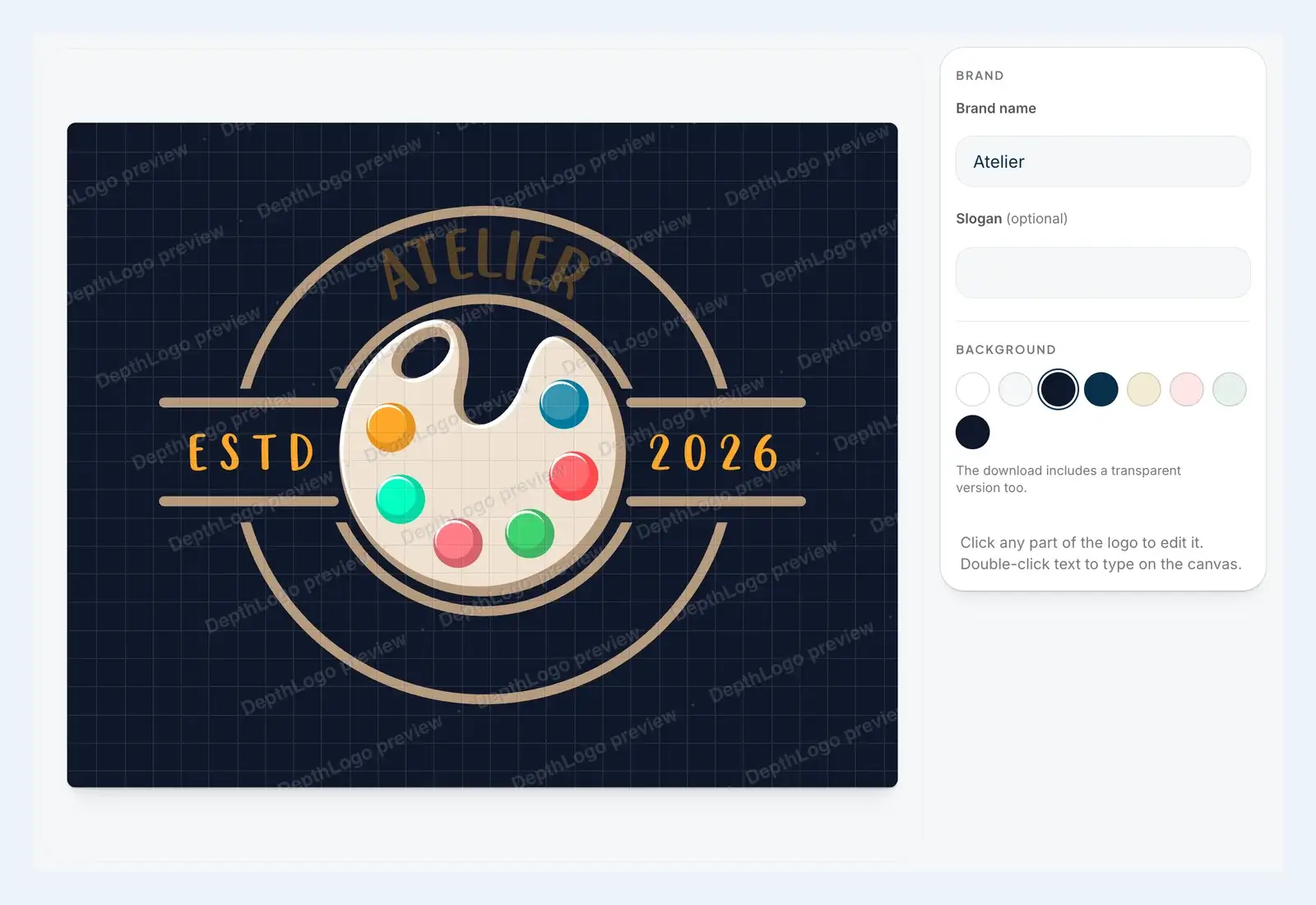
Then click one of the dark background swatches. Plenty of logos look great on white and vanish on navy. In our Atelier example, the dark brown name almost disappears. You can fix that in a minute by giving the text a lighter color, and the download includes a white version of the logo for dark backgrounds anyway.
Finally, read your name letter by letter. The editor sets exactly what you typed, typos included.
Download when you're sure
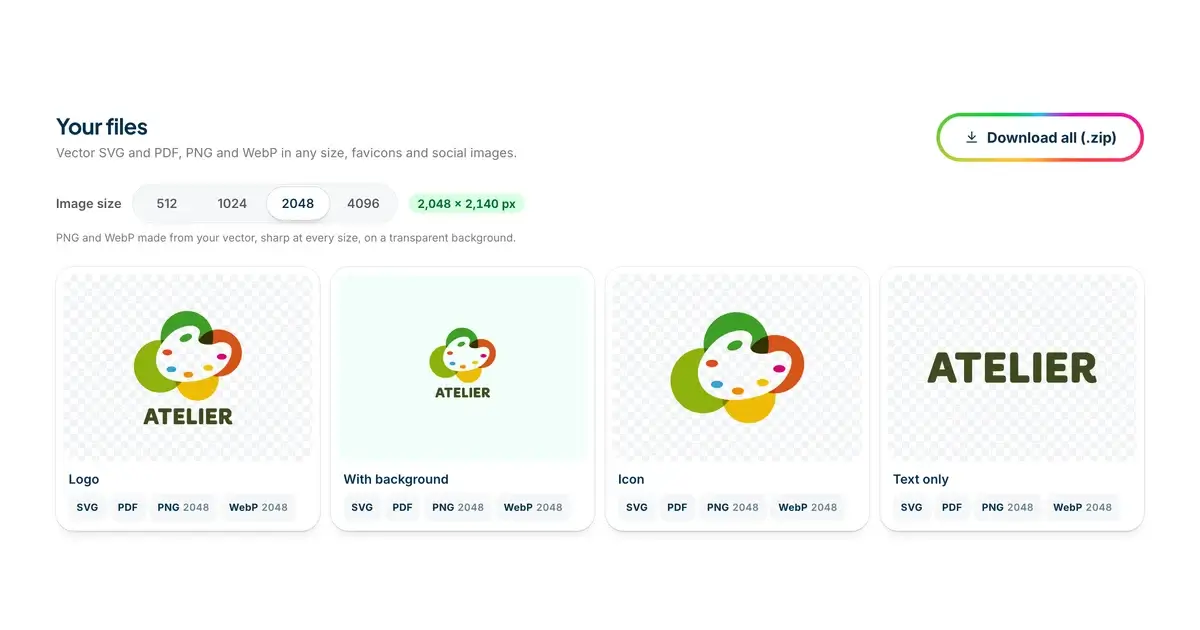
When you're happy with it, press Download. A template logo needs no account: you pay at checkout with your email, the files download right away, and we email you a link as well. You get the logo as SVG, PDF, PNG and WebP up to 4K, black and white versions, favicons and square images for social profiles. When the design has both a symbol and a name, you also get each one on its own.
After that, the logo lives in My logos. Sign in with the email from your order, and you can change a color or fix a typo months later and download the new version for free. If you're not sure which file does what, our guide to logo file formats explains each one and which to send to a printer, a web developer or a sign maker.
When the AI logo generator is the better free start
Templates are a great start when one of them already feels close to what you want. When none does, or you want a design nobody else can start from, try the AI logo generator instead. It draws original logos around your exact name, in the style and colors you pick.
Your first AI design is free when you sign up with your email or Google. Like a template, it's a watermarked preview, and you pay only if you want the files. If you'd like some direction before you start, browse our logo ideas for logos in every style, from minimalist marks to 3D mascots and vintage badges.
Is a free logo good enough?
Honestly, it depends on where the logo has to go. For a weekend project, a club or a first test of a business idea, a free preview is all you need to decide whether a direction is right. You don't need files yet.
The moment the logo goes on something you'll pay to produce, like a sign, a van, packaging or a box of business cards, the files matter more than the tool you designed with. Reprinting a sign because the logo came out blurry costs more than any logo file. That's when you want a real vector, a transparent PNG and the small versions, whichever logo maker you use.
So make the most of the free part. Try lots of templates and change whatever you like. Then sleep on it, and pay only when you've found the one you'd be glad to see on your door every morning.
The short version
- Know which kind of free you're getting before you start designing.
- Run the checklist: your own name in the previews, file sizes, transparency, a real vector, the license, one payment or a subscription, edits later, the extra versions and the fonts.
- On DepthLogo, browsing, editing and previewing are free, and you pay once for the files.
- Start with your name, use the filters, edit, then test the design small and on a dark background before you download.
- If the logo is going into print or onto a sign, make sure you get the vector.
For more on getting the most out of a free logo maker without overspending, browse our other free logo maker guides.
More Free logo maker guides
· 8 min read
Logo Size Guide: Dimensions for Web, Social and Print
What logo size to use on your website, favicon, social profiles, email and print, when a vector beats a PNG, and a cheat sheet to keep.
· 11 min read
Logo File Formats Explained: PNG, SVG, PDF and More
Logo file formats in plain English: what PNG, SVG, PDF and WebP are for, which file to send a printer or sign maker, and how to check a logo file.