Logo creator guides
Creating a logo yourself, step by step: finding the idea behind it, choosing a symbol and type, testing it small and large, and preparing the files.
Create a logo from a templateLogo creator articles
· 7 min read
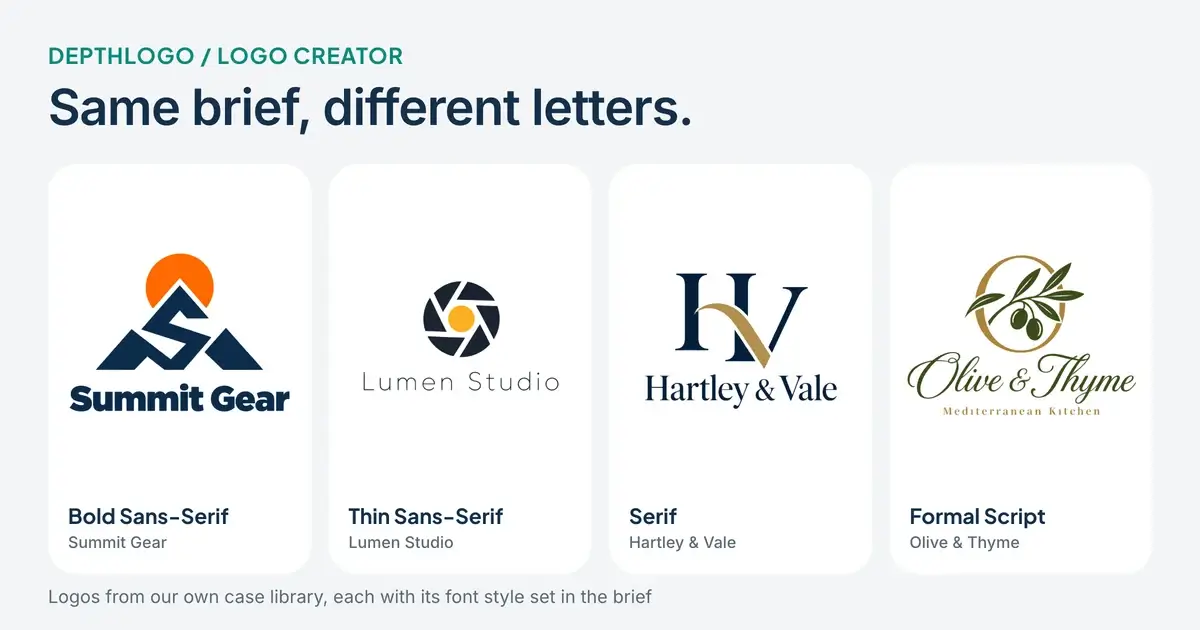
Logo Creator Tips: How to Choose a Font for Your Logo
How to choose a logo font in a logo creator. What bold, thin, serif and script letters say about a business, how to test them small, and when to stop at one.
· 8 min read
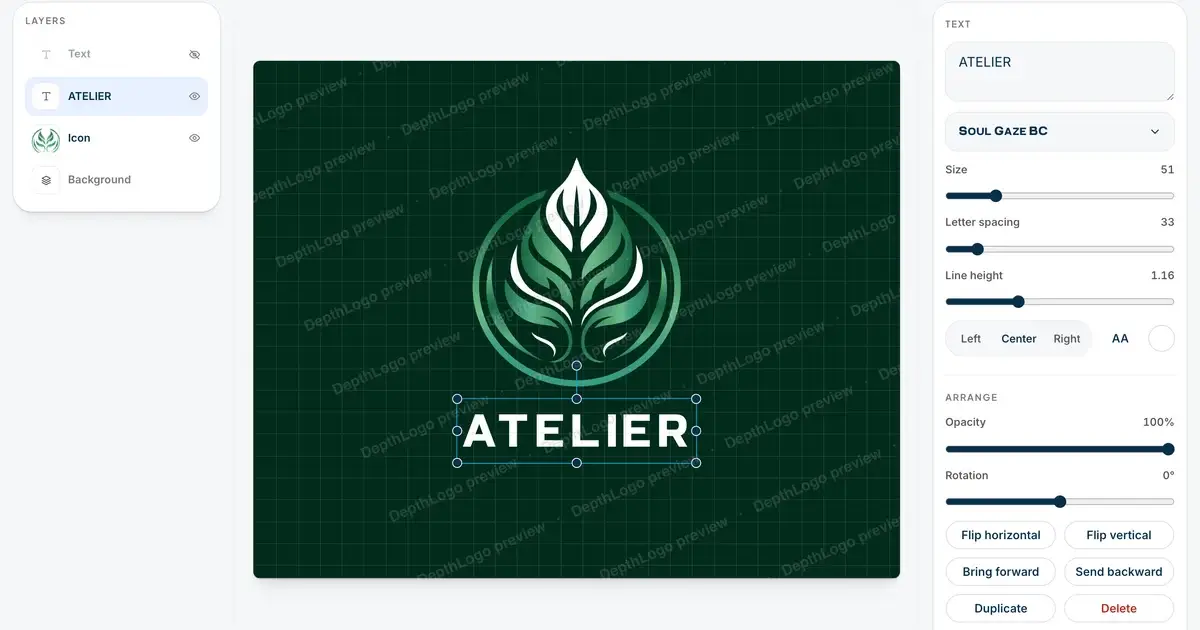
How to Use a Logo Maker: A Step-by-Step Guide
How to use a logo maker to design your own logo, from picking a template worth editing to making the name, fonts and colors yours and downloading the files.
Find the idea before you open a logo creator
A logo doesn't have to explain your whole business. It has to be recognizable, and it has to feel like you. So before you open any logo creator, write two short lines: what you do, and the feeling you want people to come away with. "Bike repair shop, quick and friendly, no jargon" already rules out a lot of what you'll see, like ornate crests and luxury gold.
Then choose one idea for the symbol, if you want a symbol at all. It can come from your name (Night Owl Radio almost draws itself), from what you make, like a loaf or a wrench, or from your initials. Keep it to one idea. Two ideas squeezed into one symbol usually become a puzzle at small sizes.
Pick the kind of logo
It helps to decide early which kind of logo you want, because it narrows the search a lot. Four kinds cover most small businesses:
- A wordmark is the name alone, in a distinctive font. It suits short, memorable names.
- A lettermark uses your initials, which helps when the full name is long.
- A symbol with the name is the most flexible kind, because the symbol can work alone as an app icon or profile picture.
- An emblem sets the name inside a shape, such as a badge or a seal. It looks great on packaging and signs, but its text gets tiny fast.
You can filter our logo templates by style, and the Style filter includes emblems, lettermarks and wordmarks. After that, keep the rest simple: one font for the name, a second one at most for the slogan, and two or three colors. That's enough for almost any business.
From finished design to finished files
The files are where a lot of homemade logos fall short. A complete logo is a small set: a vector SVG and a PDF for print and signs, PNGs with a transparent background for the web, a favicon for the browser tab, a square profile picture, and black and white versions for stamps and invoices. A template logo from our logo creator downloads with all of that.
Then try the logo where it will actually live: tiny, on a dark background, in one color. Our free logo checker runs those tests in your browser and tells you how to fix what fails. Because a template logo stays editable, a fix costs you nothing but a new download.
For the editing itself, how to use a logo maker goes step by step with screenshots. The logo maker guides are about choosing and using the tool, and the logo checker guides go through every test.