Logo generator guides
A logo generator gives you many options fast. These guides help you narrow them down: what makes a logo work, how to compare designs, and when one is ready to use.
Open the logo generatorLogo generator articles
· 7 min read
How to Choose a Logo From a Logo Generator
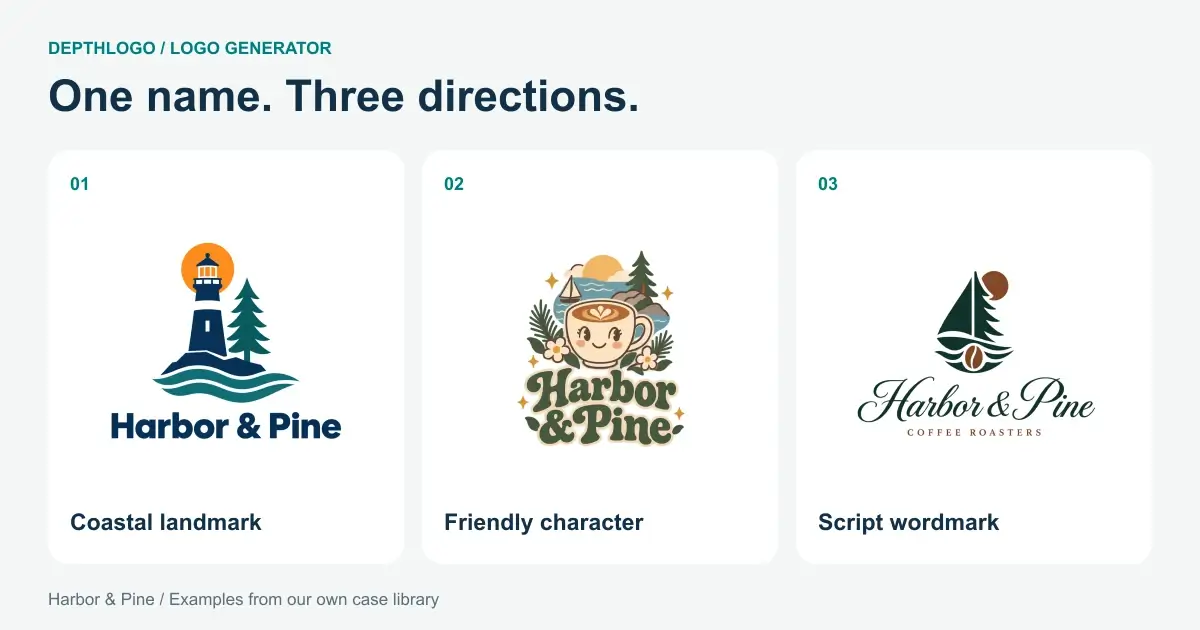
A practical way to compare logo generator results, narrow your shortlist and choose a design that fits your business before spending more time on it.
· 10 min read
How to Make a 3D Logo With an AI 3D Logo Maker
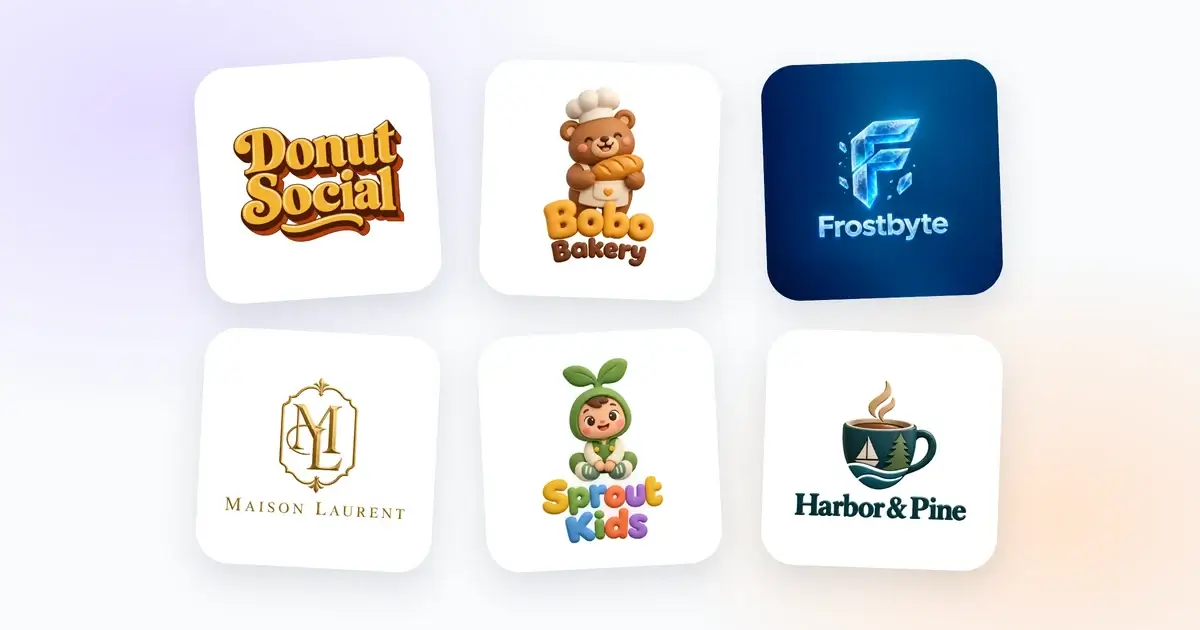
A step-by-step guide to making a 3D logo with AI, from a brief that suits depth and the right 3D style to colors that hold up and judging the light.
What a logo generator is for
The value of a logo generator isn't any one design. It's how quickly you can compare. You see a dozen directions in the time a designer would spend sketching one, and you react to them. Most people don't know what they want until they've seen a few things they don't want, and a page of options settles that fast.
There's a catch. More options only help if you work through them with a plan. Fifty random logos are harder to choose from than eight that each test one idea.
Run small rounds with a logo generator
Treat each round as a small experiment. Our logo generator makes up to three designs at a time, each in a few seconds. Keep the brief the same between rounds and change just one of these:
- the style, to find the overall look;
- the description, to get the symbol right;
- the colors, with at least one round in B&W;
- the look, flat or with 3D depth.
When a result comes close, tap its heart so it waits under Favorites, and press More like this for another design in the same style and colors. After a few rounds it becomes clear which field is causing the trouble.
The first AI design is free; further rounds come from a pack, and our plans explain how designs are counted. If you'd rather see lots of layouts before generating anything, browse our logo templates. Each one shows your name, and browsing them is free.
Choose by elimination
Picking a favorite out of twelve logos is hard. Knocking out the ones that fail is easy. Put your favorites side by side and drop any that:
- turn into a blob at thumbnail size;
- get the name wrong, even by one letter;
- fade away when you switch the preview background to dark or to your brand color;
- only work thanks to a gradient or a glow, when you know the logo will be printed in one color.
What's left is a real shortlist. If two survive, sleep on it. If none do, that's useful as well, because it tells you what to change in the next round. Once the winner is yours, run the files through our free logo checker before anything goes to print.
Thinking about depth? Read how to make a 3D logo next. The AI logo generator guides go further into writing the brief, and the logo checker guides explain each test in detail.