Logo maker guides
How to get a professional logo out of a logo maker: start from a template, set your name, fonts and colors, and export files for the web, print and social media.
Open the logo makerLogo maker articles
· 8 min read
Logo Size Guide: Dimensions for Web, Social and Print
What logo size to use on your website, favicon, social profiles, email and print, when a vector beats a PNG, and a cheat sheet to keep.
· 7 min read
Logo Maker Color Guide: How to Choose Logo Colors
How to choose logo colors in a logo maker. How many colors to use, why contrast matters more than meaning, and how to test them before you download.
· 7 min read
Logo Creator Tips: How to Choose a Font for Your Logo
How to choose a logo font in a logo creator. What bold, thin, serif and script letters say about a business, how to test them small, and when to stop at one.
· 10 min read
Free Logo Maker: What You Can Make Without Paying
What a free logo maker really gives you, a checklist for judging one, and how to design a logo for free on DepthLogo and pay only for the files.
· 8 min read
How to Use a Logo Maker: A Step-by-Step Guide
How to use a logo maker to design your own logo, from picking a template worth editing to making the name, fonts and colors yours and downloading the files.
Choosing a logo maker
A logo maker hands you finished designs to edit instead of a blank page. So the logo you end up with depends on two things: how good the templates are, and how much the editor lets you change. Most tools look alike on their front page. The differences show up when you edit and when you download, so before you spend an evening with one, check that:
- the templates show your real name, not "Your Brand", so you can see how a long name wraps;
- you can change the font, size, spacing, color and position of each part, not just pick a color theme;
- the download includes a vector file (SVG or PDF), which stays crisp however large it's printed and is what print shops ask for;
- the files include the extra versions people forget, such as black, white and the symbol on its own;
- you can come back after paying and fix a typo.
How our logo maker handles that list
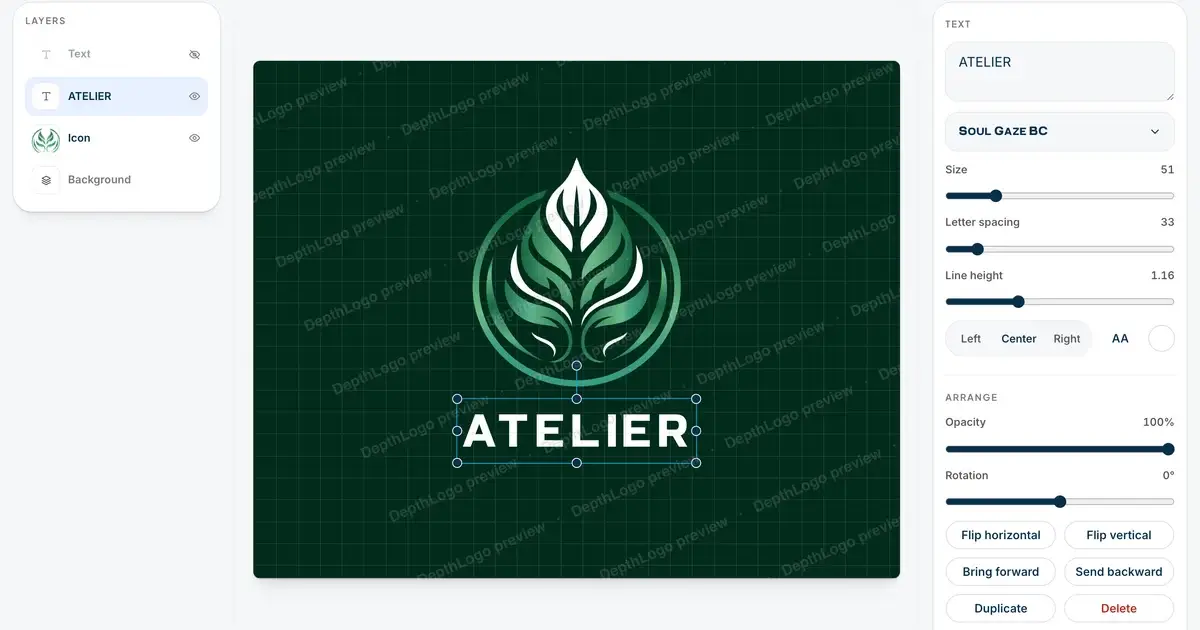
Every one of our logo templates is set with your name while you search, and you can narrow them down by industry, style, color and font. In the editor you select any part of the logo and change it, and your draft is kept in the browser if you close the tab. When you buy a template logo, you get every format at once: SVG, PDF, PNG and WebP, black and white versions, and the icon and the name as separate files when the design has both. It stays in My logos afterwards, so a change months later takes a few clicks, not a new logo.
There's one catch with templates: their fonts cover Latin letters, accents included, but not other scripts yet. If your name is written in Greek or Japanese, for example, try our AI logo generator, which draws its own lettering instead of using a font. It's also the better route when you want something one of a kind, since other people can pick the same template too.
Habits that matter more than the tool
Don't fight the template. If you find yourself changing the layout, the symbol and every color, a different template would serve you better. Leave its spacing alone unless something clearly looks off: even gaps are the hardest thing to judge by eye, and the template has already done that work. Change one thing at a time, and use undo to compare before and after. Then, before you download, picture the logo where it will really go. A quick screenshot of it laid over a photo of your shop window or your website tells you more than any zoom level.
Our logo maker page walks through the editor and the files in more detail, and how to use a logo maker shows every step with screenshots. Before you pay for anything, see what you can make without paying. Starting with only a vague idea? The logo creator guides begin one step earlier.