3D logo maker8 min read
3D Logo Animation: Turn Your Logo Into a Short Video
Every logo you buy on DepthLogo now comes with a 3D logo animation in three motions and three video shapes. How it works, and where to use it.
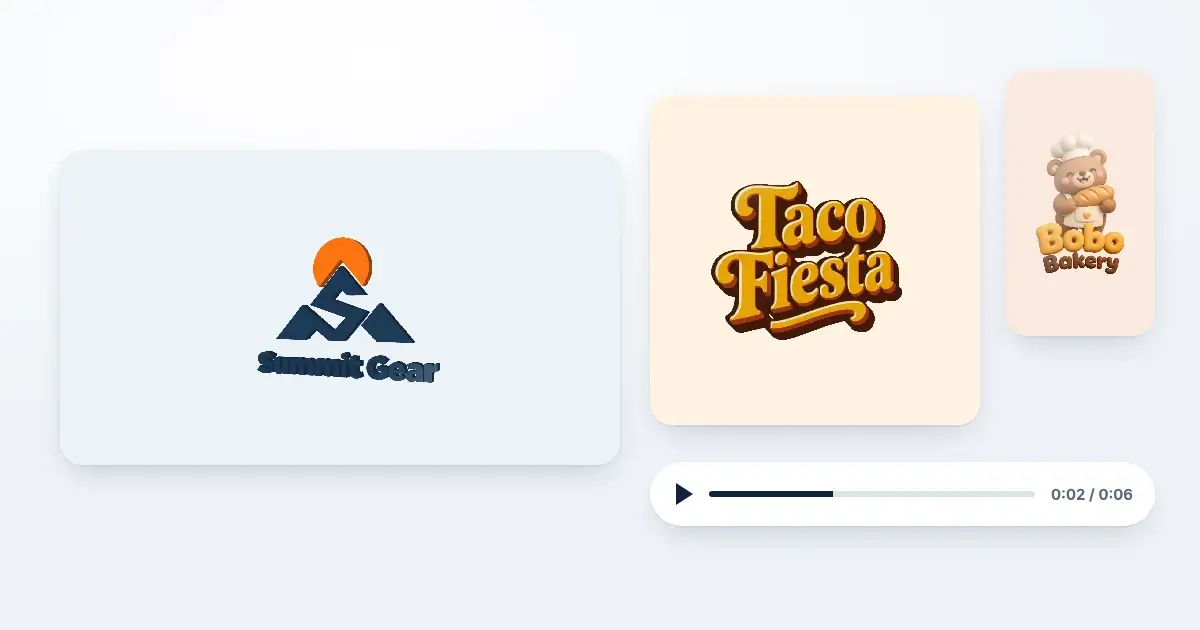
A logo that moves gets noticed. That's the whole idea behind a 3D logo animation: your logo turns a little, catches the light and shows that it has depth, in a short clip you can drop into a Reel, a story or the start of a video. Until now, getting one meant a motion designer, a template site with a subscription, or an evening in an editing app you'd never opened before. So we built it into DepthLogo. Every logo you buy, made with AI or from a template, now comes with an animated version, and it's included.
This post explains what you get, how to download it, which motion suits which kind of logo, and where the videos work best. We'll also be straight about what it isn't, so you know exactly what you're getting.
What the animation actually does
Your logo is a flat picture. The animation treats it as a solid object instead. It gives the logo a thickness made from its own shape in a darker shade, so the edges show when it turns. It draws the logo in real perspective, so the side that swings toward you grows a little and the far side shrinks. And it moves a band of light across the face, the way a sign catches the sun as you walk past it.
There are three motions to choose from:
- Turn swings the logo about 24 degrees one way, then the other, and back to the start. It runs for six seconds and loops without a visible jump, because the last frame is the same as the first.
- Shine keeps the logo still and sends one slow band of light across it, then rests before the next pass. It loops every four seconds.
- Intro brings the logo in from the side: it fades in while it turns to face you, the light passes over it, and it holds. It lasts three and a half seconds and plays once, which is what you want at the start of a video.
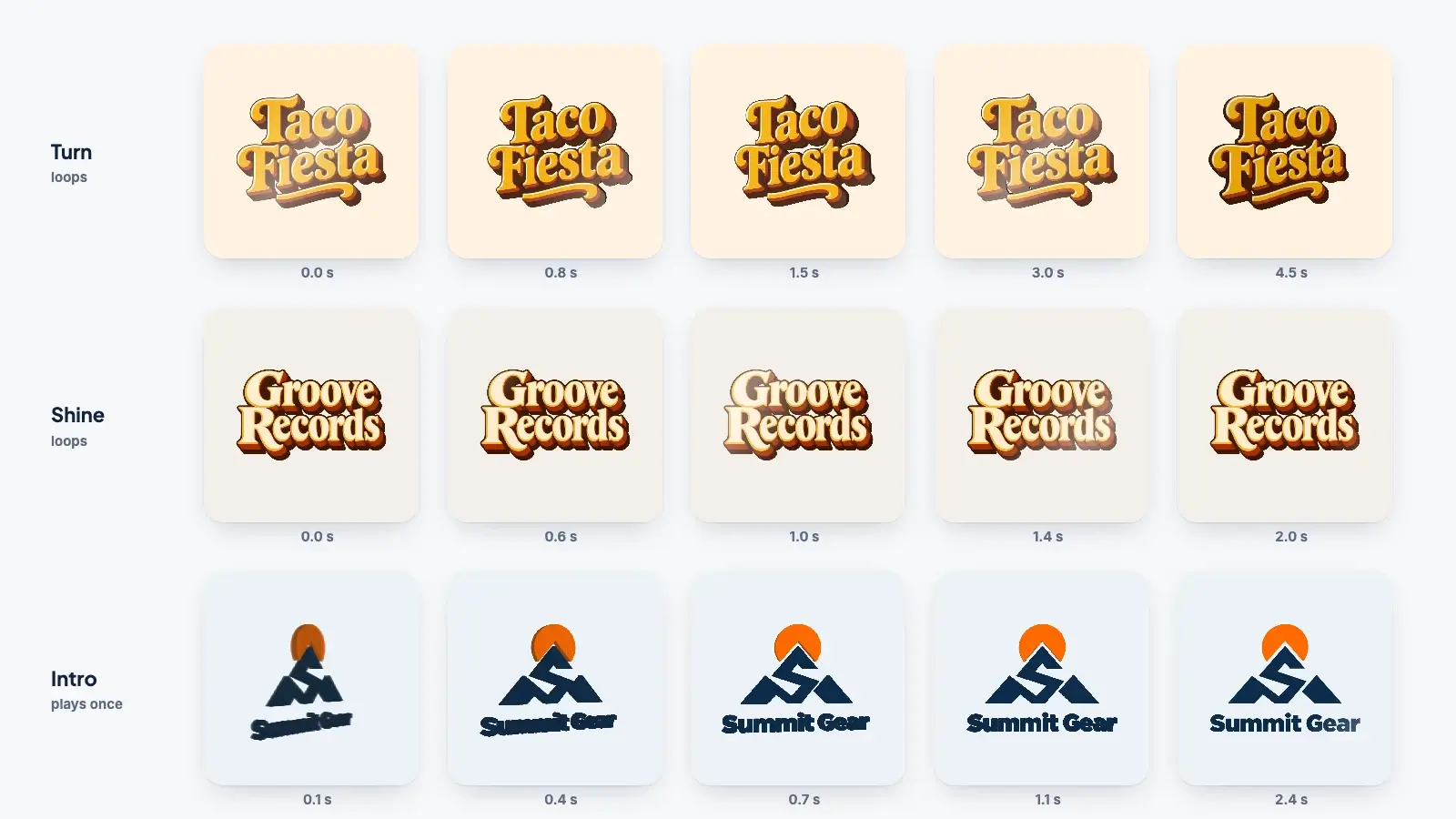
None of this is a stock effect laid over your logo. The thickness comes from your logo's own outline and colors, so a green logo gets green edges and a gold one gets dark gold ones. That's why it reads as your logo being solid, rather than a generic flip.
Three video shapes, made for where they'll go
Every animation downloads as three videos of the same motion, one for each shape the big platforms use:
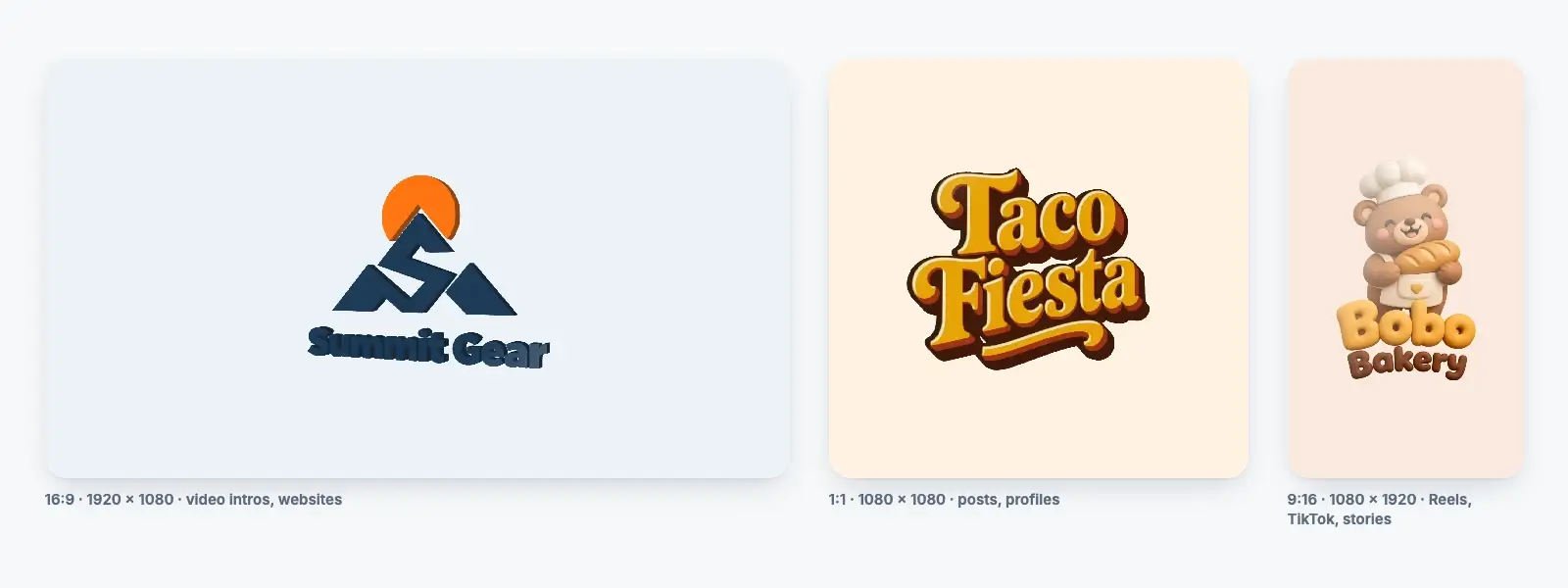
- 1:1, 1080 × 1080 pixels, for feed posts, profile videos and anywhere a square looks tidy.
- 16:9, 1920 × 1080 pixels, for video intros and outros, YouTube, presentations and the wide header at the top of a website.
- 9:16, 1080 × 1920 pixels, for Reels, TikTok, Shorts and stories, which fill a phone screen from top to bottom.
They're MP4 files, 30 frames a second, in the format every social network, video editor and slide app accepts. The logo sits in the middle of each frame with plenty of room around it, so it won't be cut off by the rounded corners of a profile picture or the buttons that apps lay over the bottom of a vertical video.
The background behind the logo is the one your logo already has. For an AI logo that's white; for a template logo it's the background color set in the editor. A video can't be see-through the way a PNG can, so the background is part of the picture. If you want a template logo's video on another color, change its background in the editor first and download the animation again. For AI logos, white is what you get for now.
How to download your animated logo
You'll find it next to your other files:
- Open My logos and pick the logo you bought.
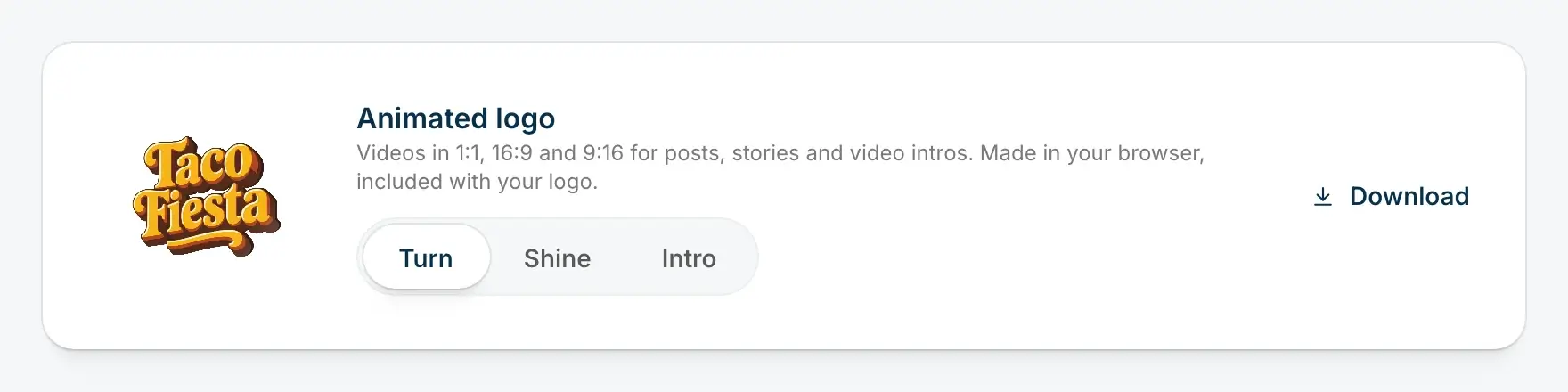
- Scroll to the card called Animated logo. It plays a live preview of your logo straight away.
- Choose Turn, Shine or Intro. The preview switches as you click, so you can watch each one before you decide.
- Press Download. A zip with the three videos lands in your downloads, named after your logo, such as taco-fiesta-animated-logo.zip.
The videos are made right there in your browser. Nothing is uploaded, and it doesn't take long: on a normal laptop, all three are ready in a few seconds. Want all three motions? Download one, switch to the next and download again. There's no limit.
If you paid for an AI logo as a PNG, the animation is made from that artwork, so the lighting, textures and colors the AI drew all come through. If your logo is a vector, from a template or an SVG, the animation is drawn from the vector at a large size, so the edges stay crisp.
Most current browsers make the MP4 files without any fuss. A browser that can't make MP4 video makes a WebM file instead, which plays almost everywhere too. If yours can make neither, the card says so and suggests opening My logos in Chrome, Edge or Safari.
Which motion suits which logo
We tried all three on a lot of logos from our own case library before we picked the defaults. Here's what we learned.
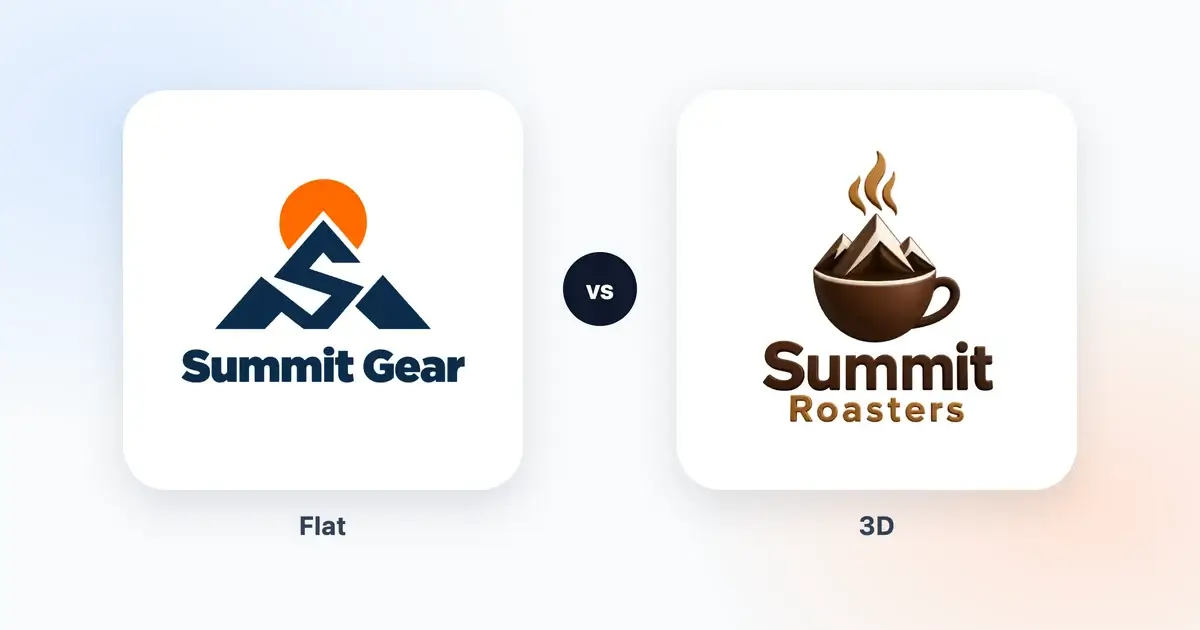
Turn is the one to start with for flat logos and for logos built on lettering. A minimalist mark, a monogram or a retro 3D wordmark gains the most from it, because the thickness and the perspective add something the still image doesn't have. Our Summit Gear mountain, a flat two-color mark, suddenly looks like a cut metal sign when it turns.
Shine suits logos that are already illustrated in 3D. A clay mascot, a glossy cup or a gold monogram is drawn with its own light and shadow, and giving it a second, made-up thickness can make it look like a cardboard cut-out standing on a shelf. A band of light respects the drawing and still gives the eye something to follow. It's also the calmest of the three, which matters if the video will loop all day on a website.
Intro is for the start of something: the first seconds of a YouTube video, a product demo, a slideshow, an event screen before the talk begins. It has a clear beginning and a clear end, and the logo stays put at the end, so you can hold on that frame for as long as you need in your editing app.
If you're not sure, download Turn and Shine and post one of each. You'll know within a day which one your followers stop scrolling for.
Where to use the videos
On social media
Post the 9:16 version as a Reel, a TikTok or a story when you launch or rebrand, then pin it. Use the square one as a post, or as a profile video on platforms that allow one. For a launch, a few seconds of your logo turning, followed by your opening line, works better than a still logo with a long caption.
At the start and end of videos
Put the 16:9 Intro at the start of your YouTube videos, course lessons or webinar recordings, and the same file or a Shine loop at the end over your call to action. Any video editor will take the MP4: drag it onto the timeline before your first clip.
On your website
A short loop at the top of a page shows your brand moving before visitors read a word. To add one, upload the 16:9 or 1:1 file to your site and use a video tag that plays silently and loops:
<video src="/logo-turn.mp4" autoplay muted loop playsinline width="1080" height="1080"></video>
The muted and playsinline parts matter: browsers only play videos on their own when they're silent, and phones need playsinline to play the video in the page instead of full screen. Most site builders have a video block that does the same with a couple of clicks.
In presentations
Keynote, PowerPoint and Google Slides all accept MP4. Put the Intro on your title slide and your opening looks finished before you've said anything.
On screens in shops and at events
A shop window display, a screen behind the counter or a booth at a trade fair can loop the Turn video all day. Use the 16:9 version for a normal TV and the 9:16 one for a screen turned on its side.
What it isn't
We'd rather you knew the limits now than found them later.
It isn't a 3D model. You can't spin the logo all the way round, 3D-print it or open it in Blender. The animation shows your logo from the front, turning a little, with a thickness that makes the turn believable.
It isn't AI video. The motion comes from our own code, worked out frame by frame from your logo, which is why it always keeps your logo exactly as it is: the same letters, the same colors, every time. We have tested AI video models too. They can produce bigger, more dramatic moves, but in our tests they also sometimes bent the letters halfway through a turn, and a logo with a misspelled frame isn't something we'd hand you.
It has no sound. Add music or a sound effect in your editing app, or straight in the Reels and TikTok editors.
It isn't a GIF. GIFs are large and limited to a small number of colors, which spoils the light and shading. MP4 looks better at a fraction of the size, and every platform that matters takes it.
And it doesn't replace your still files. Your PNG, SVG, PDF, favicons and social images are all still there in My logos, where they always were. The animation is one more file in the set.
Start with a logo worth animating
Depth looks best when the logo was made with depth in mind, so if you're starting from scratch, it's worth making a logo that has some. Our 3D logo maker shows what the AI draws in Retro 3D, 3D Clay, 3D Ice and Gold, and how depth changes the other styles. Those logos look good still and even better moving.
If you prefer a clean, flat mark, that works just as well: flat logos are the ones Turn adds the most to. Type your brand name into the AI logo generator, pick a style, and once your logo is yours, the animated version is waiting in My logos with the rest of your files.
The short version
- Every logo you buy on DepthLogo comes with an animated version, at no extra cost.
- Pick Turn, Shine or Intro on the Animated logo card in My logos, and watch the live preview.
- Download a zip with three MP4 videos: 1:1 for posts, 16:9 for intros and websites, 9:16 for Reels, TikTok and stories.
- Use Turn for flat logos and lettering, Shine for logos that are already drawn in 3D, and Intro to open a video.
- Add sound in your editor, and keep your still files for print and everything else.
More 3D logo maker guides
· 8 min read
3D Logo vs Flat Logo: When Depth Helps a Brand
An honest look at 3D and flat logos, with real examples. Where depth helps a brand, where a flat logo works better, and how to have both versions.
· 10 min read
How to Make a 3D Logo With an AI 3D Logo Maker
A step-by-step guide to making a 3D logo with AI, from a brief that suits depth and the right 3D style to colors that hold up and judging the light.